Open image gen & edit with Qwen Image
Qwen’s Apache 2.0 text-to-image model — generate or edit a single image in LazyKiwi.
Qwen-Image (Hugging Face: Qwen/Qwen-Image) is Qwen’s open text-to-image Diffusers pipeline released under Apache 2.0, with strong community adoption for generation and LoRA ecosystems. Creators often prefer it for design-like outputs and text-heavy graphics. In LazyKiwi, Qwen Image supports text-to-image and single-image edit (n=1) at promotional pricing (2 credits/image), making it a practical default next to Z-Image.


- Provider
- Qwen
- HF pipeline
- QwenImagePipeline
- Modes
- T2I + Edit
- Credits
- 2 / image
How it works
Use Qwen Image in three steps
Open the LazyKiwi workbench, pick Qwen Image, and generate without leaving the page.
 1
Choose the model
Select Qwen Image from the model list so generation uses the matching upstream endpoint and credit tier.
 2
Write a prompt (and optional edit image)
Describe the subject, style, lighting, and composition. Some models also accept a reference image for guided edits.
 3
Generate and export
Run a small batch, compare takes on mobile framing, then download the keepers for posts, ads, or further edits.
Why Qwen Image
What Qwen Image is built for
Qwen Image is available in LazyKiwi with workbench controls aligned to public model capabilities and our production credit table.

Open Diffusers model
First-class Hugging Face release
Qwen/Qwen-Image is published with Diffusers support, English/Chinese tags, and Apache 2.0 licensing — a widely forked base for LoRAs and fast Spaces demos.
- HF Diffusers pipeline
- EN + ZH card tags
- Apache 2.0

Design-friendly output
Strong for posters and graphic layouts
Community comparisons often call out Qwen-Image for text-in-image and design-like compositions — useful when marketing needs readable titles inside the frame.
- Poster & label drafts
- Layout exploration
- Brand moodboards

Edit path
Single-image editing in LazyKiwi
Unlike Z-Image’s T2I-only profile, Qwen Image can take one upload for guided edits via LazyKiwi’s edit endpoint while keeping the same low promo credit rate.
- Upload one reference
- Instruction-style edits
- 2 credits / result
Workbench pairing
Draft on Qwen, finish elsewhere
Use Qwen Image to lock composition cheaply, then optionally restyle with Seedream, Nano Banana, or FLUX when you need a different finish.
- Cheap exploration
- Compatible with LazyKiwi exports
- Clear credit math
Sample directions
Ideas to try with Qwen Image
Start from these directions in LazyKiwi, then refine prompts to match your brand or story.
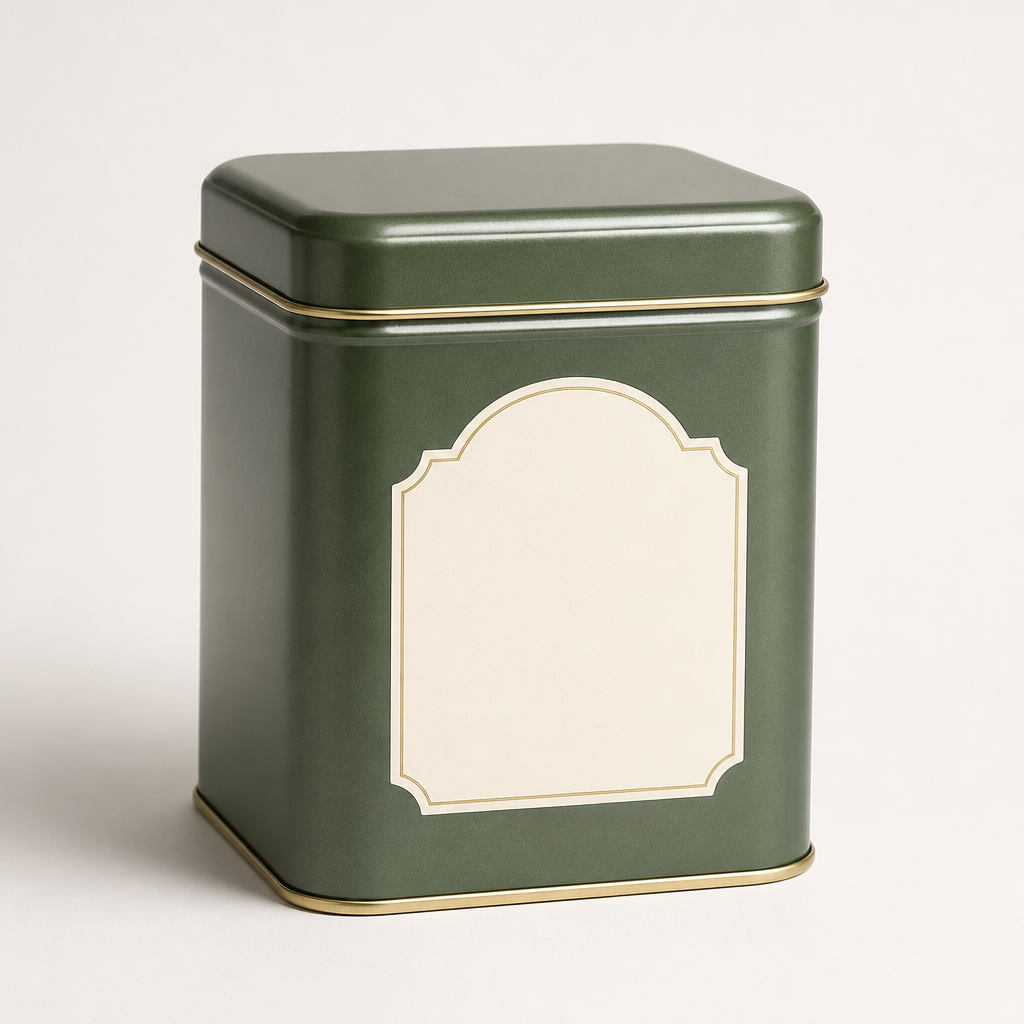
Product packshot

Editorial portrait

Poster-ready composition

Lifestyle scene

Illustration concept

Social promo graphic
Specs
Qwen Image at a glance
Capabilities exposed through the LazyKiwi workbench (production limits may be narrower than the open-weight ceiling).
- Provider
- Qwen (HF: Qwen/Qwen-Image)
- Type
- Text-to-image + edit
- Inputs
- Text; optional single image
- LazyKiwi modes
- Generate, Edit (n=1)
- Credits
- 2 per image (promo)
- List price
- 20 credits (strikethrough)
- License (HF)
- Apache 2.0
- Best for
- Design drafts and light edits
When to use it
Qwen Image vs Z-Image and FLUX
Qwen Image wins when you need an edit upload. Z-Image is T2I-only photoreal. FLUX Schnell is a broader paid-tier generalist.
| Model | Strength | Best for | Credits |
|---|---|---|---|
| Qwen Image | T2I + single-image edit | Posters & edits | 2 / image |
| Z-Image | Efficient photoreal T2I | Volume stills | 2 / image |
| FLUX.1 Schnell | Fast generalist | Mixed styles | 10 / image |
Use cases
What creators build with Qwen Image
Practical workflows where Qwen Image is a strong default inside LazyKiwi.
Poster drafts
Block title-heavy compositions before a designer pass.
Light retouches
Upload one frame and instruct a controlled edit.
Packaging concepts
Explore label layouts and colorways quickly.
LoRA-era workflows
Stay compatible with the large Qwen-Image community ecosystem when you later self-host.
FAQ
Qwen Image FAQ
What is Qwen Image?
Qwen-Image is Qwen’s open text-to-image model on Hugging Face (Qwen/Qwen-Image), Apache 2.0, with a Diffusers pipeline and large LoRA/Spaces ecosystem.
Can I edit an existing image?
Yes. In LazyKiwi, Qwen Image supports single-image edit (one upload) in addition to text-to-image.
How much does it cost?
2 credits per image on the promo tier (list 20 credits / 90% OFF).
How is it different from Z-Image?
Different model lines. Qwen Image supports edit uploads in LazyKiwi; Z-Image is text-to-image only. Both are low-credit promo models.
Try Qwen Image in LazyKiwi
Generate with Qwen Image in the same workspace as your other image and video models.
More models
Other models available in the same workbench.