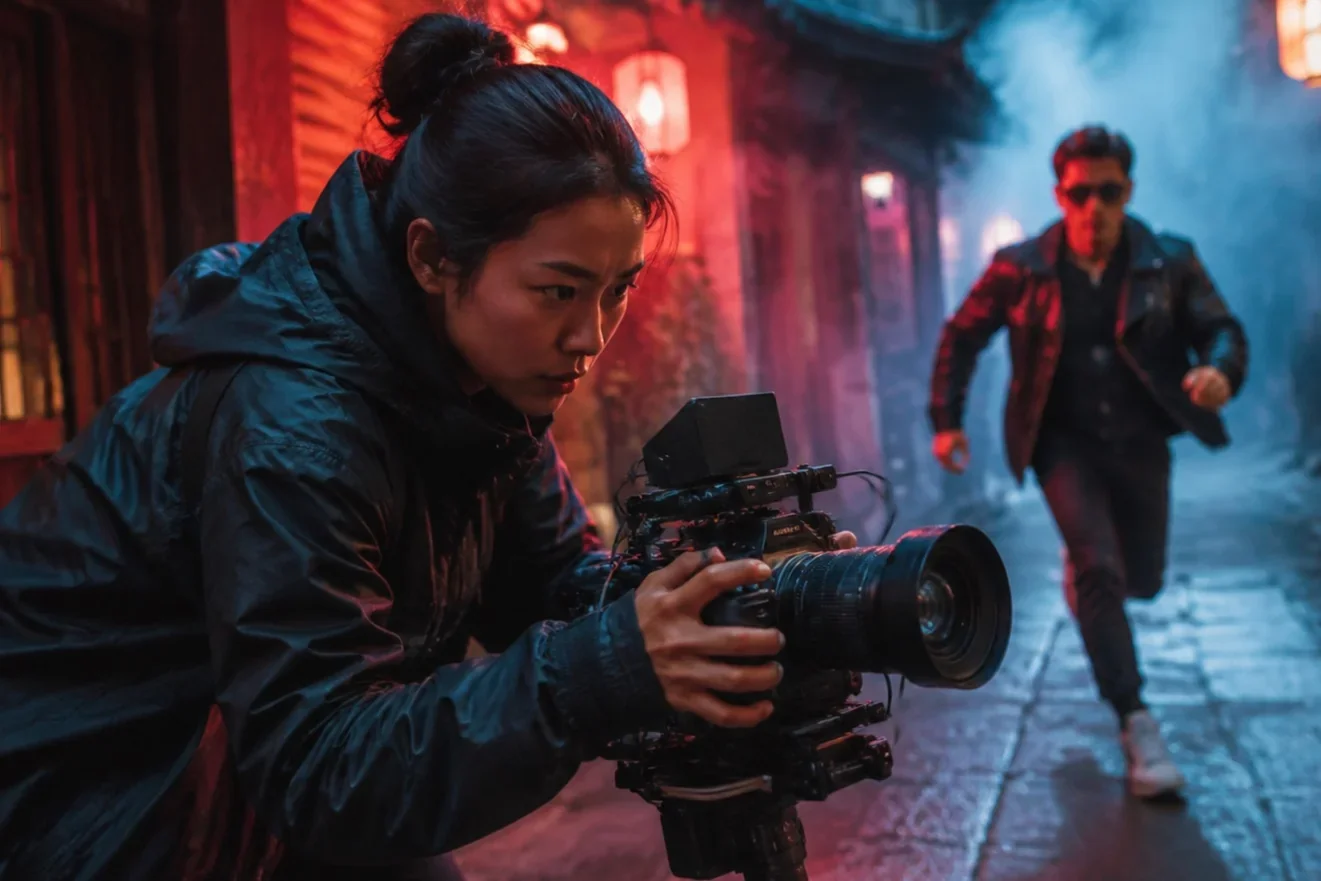
Stable image-to-video with Wan 2.2
Alibaba’s Wan2.2 MoE I2V models — short, controlled motion from a still in LazyKiwi.
Wan 2.2 is Alibaba’s open video generation family on Hugging Face (for example Wan-AI/Wan2.2-I2V-A14B). The I2V-A14B MoE design uses high-noise and low-noise experts to improve layout stability and reduce unrealistic camera drift while supporting stylized scenes at 480p/720p. LazyKiwi currently offers Wan 2.2 as an image-to-video workbench model at 480p with short clip limits and promo pricing — distinct from Wan 2.7 in the catalog. Specs: up to ≤3s, up to 480p.

- Provider
- Alibaba Wan-AI
- Architecture
- MoE DiT (A14B)
- Mode
- Image→Video
- LazyKiwi res
- 480p
How it works
Use Wan 2.2 in three steps
Open the LazyKiwi workbench, pick Wan 2.2, and generate without leaving the page.
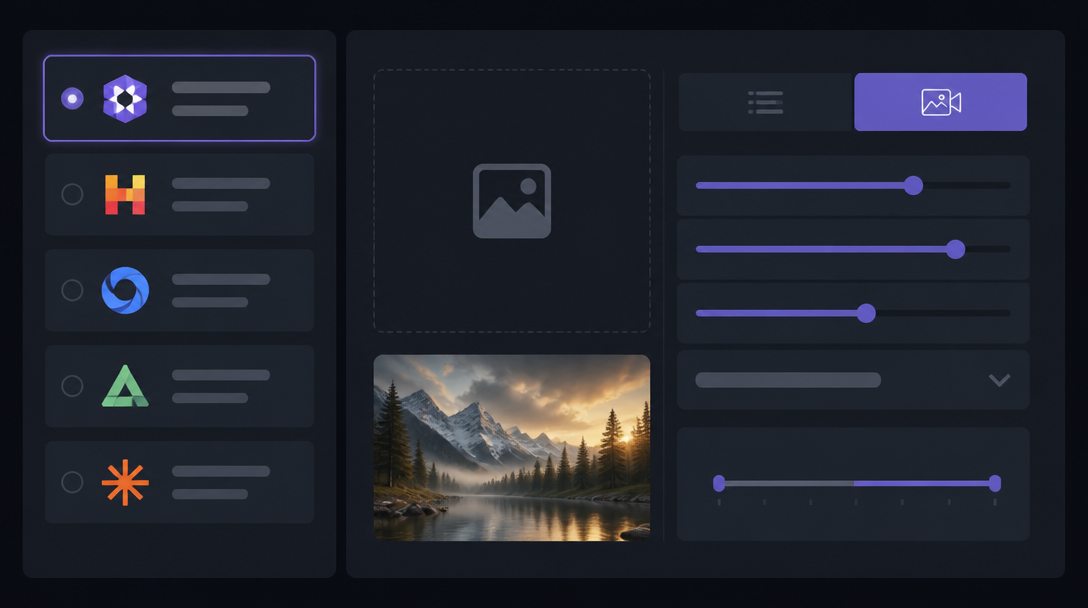 1
Choose the model
Select Wan 2.2 from the model list so generation uses the matching upstream endpoint and credit tier.
 2
Add a prompt or starting frame
Describe motion, camera, and mood — or upload a still for image-to-video when the model supports it.
 3
Generate and export
Run a small batch, compare takes on mobile framing, then download the keepers for posts, ads, or further edits.
Why Wan 2.2
What Wan 2.2 is built for
Wan 2.2 is available in LazyKiwi with workbench controls aligned to public model capabilities and our production credit table.
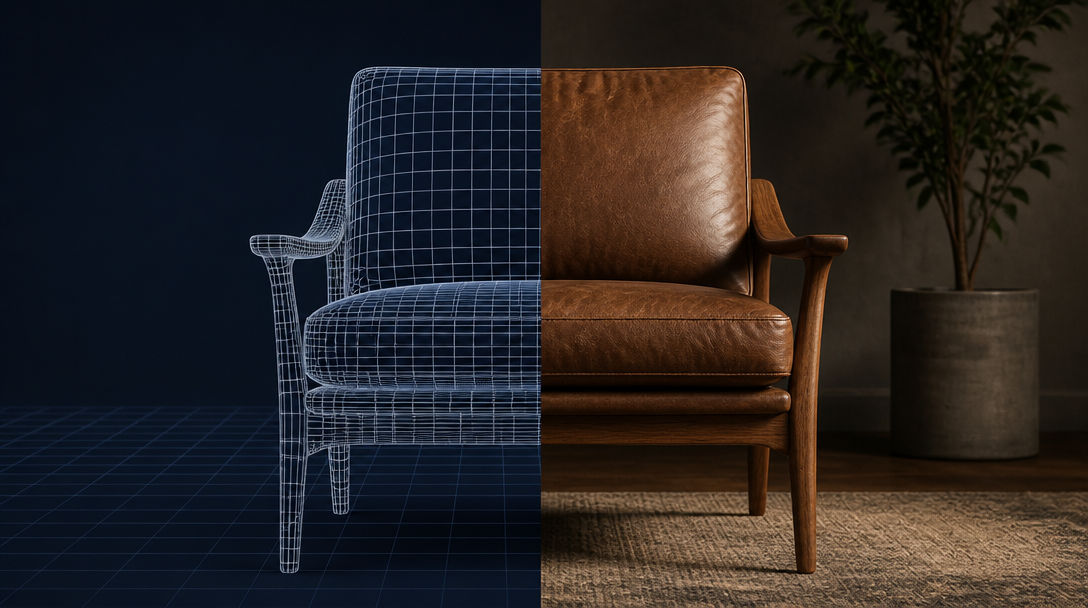
MoE denoising
Experts for structure and detail
Wan2.2-I2V-A14B uses a mixture-of-experts flow-matching design: one expert focuses on high-noise layout, another on low-noise detail — improving stability versus earlier Wan releases.
- Open Apache 2.0 weights
- I2V 480p & 720p upstream
- Reduced wild camera motion
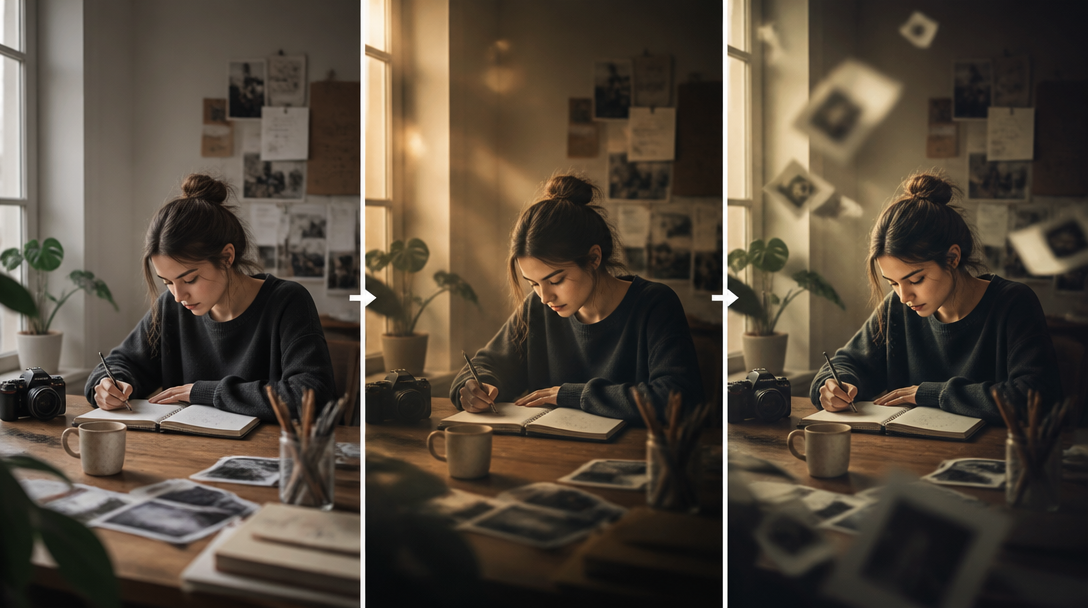
LazyKiwi profile
Short I2V clips for iteration
In production LazyKiwi, Wan 2.2 is image-to-video only at 480p with duration up to 3 seconds — ideal for testing whether a still “wants” motion before longer premium I2V runs.
- I2V only
- 480p · ≤3s
- Promo 90% OFF credits
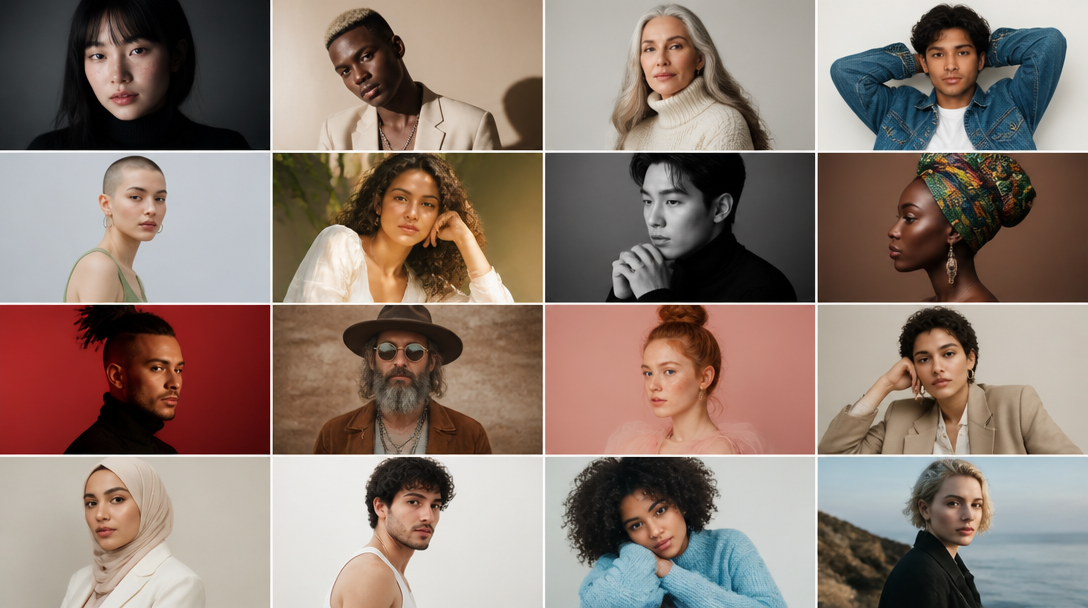
Stylized scenes
Better support for diverse looks
Upstream notes call out enhanced support for stylized scenes and more stable synthesis — useful for illustrated posters, product packs, and character keys.
- Animate key art
- Product pack motion tests
- Character still → micro clip

Not Wan 2.7
Pick the right Wan line
Wan 2.2 (wan22) is the promo short I2V model. Wan 2.7 is a separate LazyKiwi catalog entry with different pricing and capabilities — do not mix their prompts or credit expectations.
- wan22 ≠ wan / Wan 2.7
- Use Wan 2.2 for cheap I2V probes
- Upgrade path to Wan 2.7 / Seedance
Sample directions
Ideas to try with Wan 2.2
Start from these directions in LazyKiwi, then refine prompts to match your brand or story.
Fashion still comes alive
Product turn from a photo
Portrait micro-motion
Specs
Wan 2.2 at a glance
Capabilities exposed through the LazyKiwi workbench (production limits may be narrower than the open-weight ceiling).
- Provider
- Alibaba Wan-AI (HF Wan2.2-I2V-A14B)
- Type
- Image-to-video (MoE)
- Inputs
- Image + prompt
- LazyKiwi mode
- Image-to-video only
- Resolution
- 480p
- Max duration
- ≤3s
- Credits
- Promo tier (~10% of peer list price)
- Best for
- Short I2V stability tests
When to use it
Wan 2.2 vs Wan 2.7 and LTX
Wan 2.2 is the short promo I2V specialist. Use Wan 2.7 or Seedance for longer social delivery.
| Model | Strength | Best for | Pricing |
|---|---|---|---|
| Wan 2.2 | MoE short I2V | 3s motion probes | Promo 90% OFF |
| Wan 2.7 | Broader Wan video line | Longer Wan workflows | Standard (Seedance table) |
| LTX-2.3 | Open T2V + I2V | Prompt-first drafts | Promo 90% OFF |
Use cases
What creators build with Wan 2.2
Practical workflows where Wan 2.2 is a strong default inside LazyKiwi.
Poster to clip
Turn a campaign still into a 2–3s loop for story ads.
SKU motion check
See if product photography reads when subtly animated.
Stylized keys
Animate illustrated or 3D key art without heavy camera chaos.
Preflight before premium I2V
Validate subject lock cheaply, then rerun on longer models.
FAQ
Wan 2.2 FAQ
What is Wan 2.2?
Wan 2.2 is Alibaba’s open video model family on Hugging Face (e.g. Wan-AI/Wan2.2-I2V-A14B), featuring MoE image-to-video checkpoints for 480p/720p short clips.
Does LazyKiwi support Wan 2.2 text-to-video?
The current LazyKiwi workbench profile for Wan 2.2 (wan22) is image-to-video only at 480p ≤3s. Upstream also publishes T2V checkpoints, but they are not exposed in this profile yet.
How is Wan 2.2 different from Wan 2.7?
Different workbench ids and pricing. Wan 2.2 is the short promo I2V model; Wan 2.7 is a separate catalog model with its own credit table.
Where are the weights?
Official weights are on Hugging Face under Wan-AI (Apache 2.0). LazyKiwi runs a hosted production endpoint rather than asking you to download checkpoints.
Try Wan 2.2 in LazyKiwi
Generate with Wan 2.2 in the same workspace as your other image and video models.
More models
Other models available in the same workbench.